
 by iclassdon
See your Counter-Strike 1.6 stats
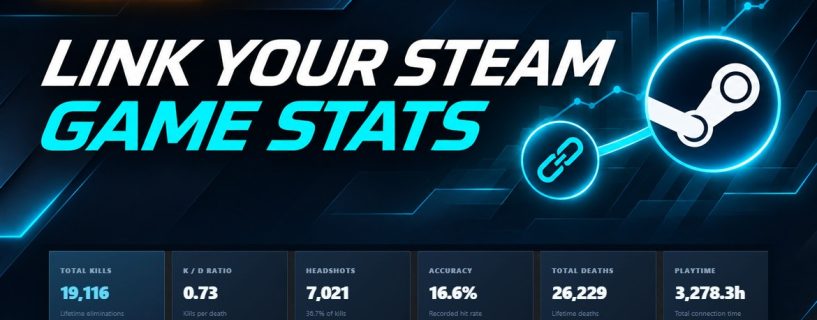
Connect Steam to your NASGamers profile to see your rank, progress toward the next rank, kills, headshots, accuracy, and playtime when we find a matching player record.
How to connect Steam
- Open your Game Stats tab. Sign in to NASGamers, then select the button above.
- Connect your Steam account. Choose the Steam connection option and confirm the link on Steam.
- View your stats. Return to Game Stats to see your rank and performance.